Alsfs Chrome extension
This extension allows your Chrome browser to write an adf image from a web page straight into your Amiga.
Installation
Alsfs Chrome extension is not listed in the official google Chrome web store however you can install It manually downloading the latest crx package from https://github.com/Ozzyboshi/alsfschromeapp/releases. Then open your Chrome browser and go to chrome://extensions/, now drag and drop the crx package into this page, Chrome will ask you if you want to install the extension, click 'Yes'.
Setup
After the extension is properly installed a new icon should appear on the top right corner of the browser with the letter 'A' on a gray background, right click it and select 'options' from the context menu.
A new form shows up asking for an ip address and a port where the alsfsNodejsServer is listening to, fill in the form and click save.
Now you are ready to write an adf image to your Amiga, place an empty and write unprotected floppy disk into any Amiga drive, then right click on any link on a web page, is there is an adf file recognized the transfer will start.
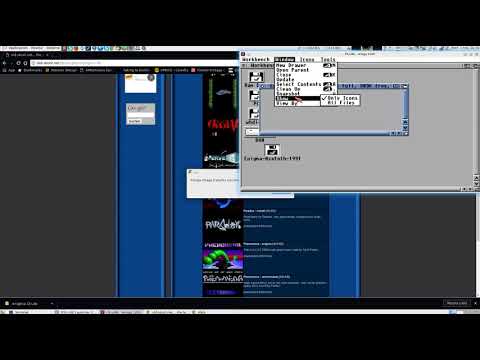
The following video shows off the entire process.