Alsfs
Another (and more featured) way to talk to the alsfsNodejsServer is to install alsfs.
Alsfs is a filesystem for Linux, since It relays on fuse, it works in the userspace and lets you mount a partition designed to communicate with the alsfsNodejsServer.
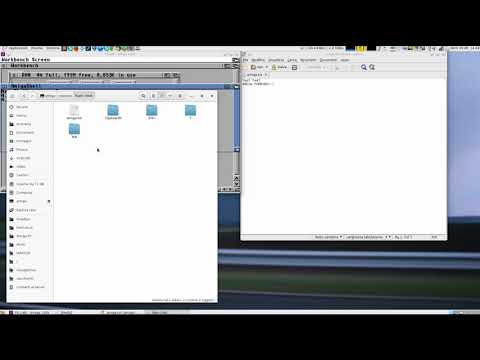
In this way you can use your favourite file manager to write/read data from and to the Amiga.
Alsfs is designed and tested to work on Debian based distros, the following installation process describes how to get up and running on a Debian 8 Jessie system.
Installation
In order to use alsfs you have first to install some dependencies with this command:
apt-get update
apt-get install autotools-dev pkg-config dh-autoreconf libfuse-dev libcurl4-openssl-dev libssl-dev libzip-dev libmagic-dev libjson-c-dev
Go to the github repository and download the latest version, extract it and install it with the following commands.
wget https://api.github.com/repos/Ozzyboshi/alsfs/tarball -O alsfs.tar.gz
tar -xvzpf alsfs.tar.gz
cd Ozzyboshi-alsfs-3d12867/
autoreconf
./configure
make
sudo make install
Now you should have the latest alsfs binary file installed on /usr/local/bin.
Test
Once alsfs is properly installed you can launch it with:
/usr/local/bin/alsfs 10.0.0.11:8081 ~/amigapi
Fuse library version 2.9
about to call fuse_main
The first argument is of course the ip address and port where the alsfsNodejsServer is accepting connections and the second one is where to mount the filesystem, in this case I told alsfs to contact the server at 10.0.0.11 port 8081 and mount it under the directory amigapi in my home directory. If everything is ok, if you type df -h you should see a very strange entry:
df -h
File system      Dim. Usati Dispon. Uso% Montato su
...
alsfs               1     0       1   0% /home/ozzy/amigapi
and if you try to get information about the mounted directory with ls you should see something like this:
ls -lsd ~/amigapi
0 drw-r--r-- 0 root root 4096 gen  4  1984 /home/ozzy/amigapi
cd ~/amigapi
ls -ls
0 drw-r--r-- 0 root root 4096 gen  4  1984 adf
0 drw-r--r-- 0 root root 4096 gen  4  1984 volumes
The block count and data usage are clearly fake. The date od the directory is also bogus, it reports the date of the first presentation of the Amiga in NYC. From here we can navigate to the volumes folder if you want to interact with the Amiga volumes or the adf folder in case we wish to write or read adf from and to the Amiga.
For more example usage of how to use alsfs refer to this youtube video.